What Agreement.new does
What Agreement.new is, how it works and where to find things in these docs.
Agreement.new gets your agreements signed. Upload a PDF or Word file, add the people who need to sign, and send. Everyone signs online, and you get a signed PDF with proof of who signed and when.
It works in your browser, and from a chat with Claude or ChatGPT.
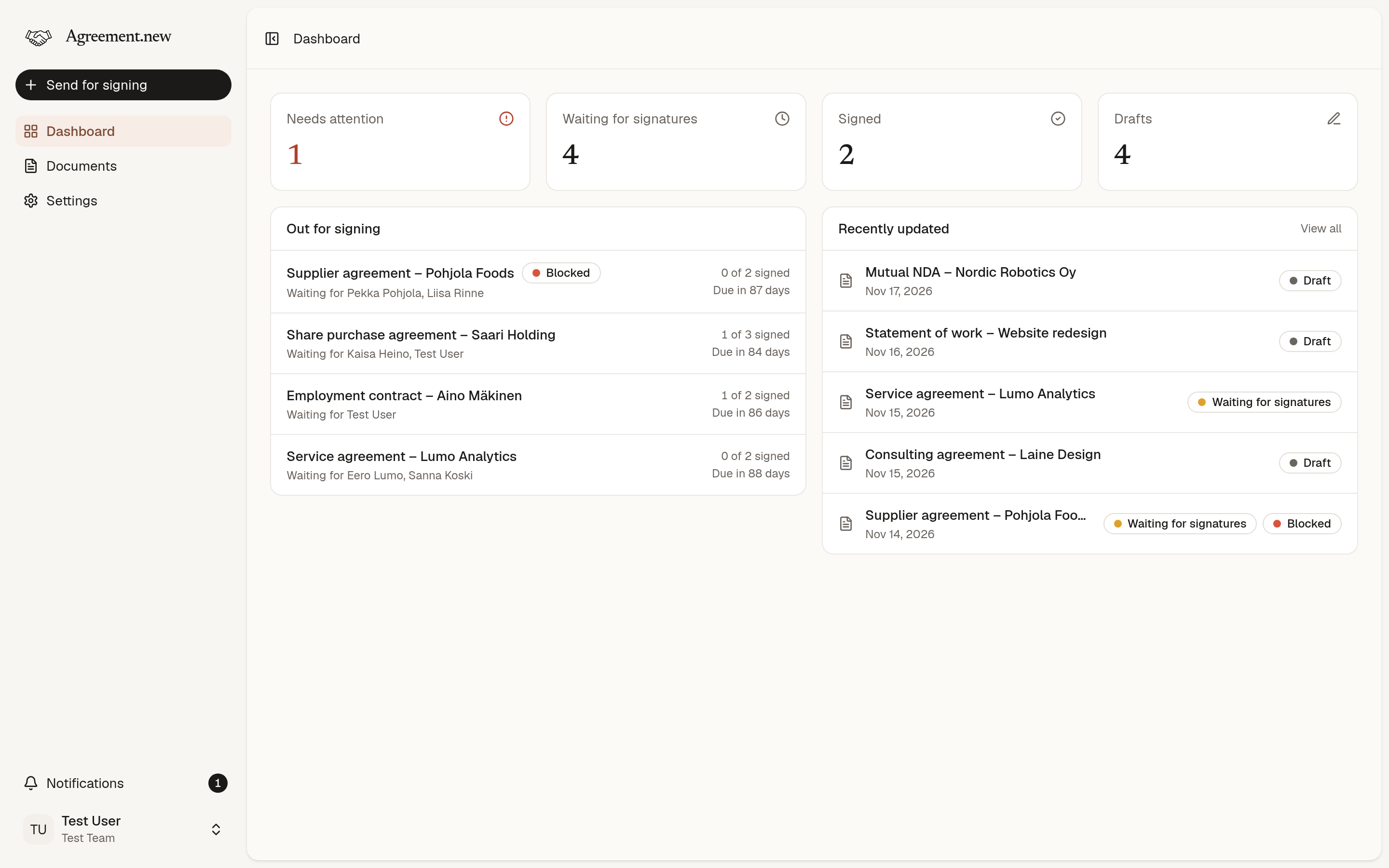
How it works
- Upload your agreement as a PDF or Word document.
- Add signers by name and email, and choose how they prove who they are.
- Send. Each signer gets a personal link by email. They don't need an account.
- Wait. We remind the signers who haven't signed, and tell you when everyone has.
- Download the signed PDF, or keep it in your team's archive.
Start here
- Send your first agreement: from sign-up to signed PDF in about five minutes.
- Core concepts: the handful of words used everywhere else.
- Signature levels and methods: simple or advanced, and when each fits.
- Use AI assistants: send and follow agreements from a chat.
What you can do
| You want to | Read |
|---|---|
| Send a document to be signed | Send a document for signing |
| See who has signed and nudge the rest | Track and manage signing |
| Find, download or delete documents | Signed documents and your archive |
| Know what your signers will see | Signing a document |
| Work with colleagues | Teams, members and roles |
| Understand the bill | Plans and billing |
| Check how your data is protected | Security and privacy |
For AI agents
These docs are written for people and for AI agents alike. Every page is also available as Markdown: add .md to its address, or use Copy as Markdown at the bottom of a page.
- /llms.txt lists every page with a one-line summary.
- /llms-full.txt is the whole documentation in one file.
To act in Agreement.new rather than read about it, connect to the MCP server. See Use AI assistants.
Didn’t find what you were looking for? Email hello@agreement.new and we’ll help.